You can tell pretty quickly when a job isn’t for you. Finding one worth applying for? That’s where the endless scrolling starts.
Another job board. Another wall of listings. Another “perfect opportunity” that’s perfect for someone else.
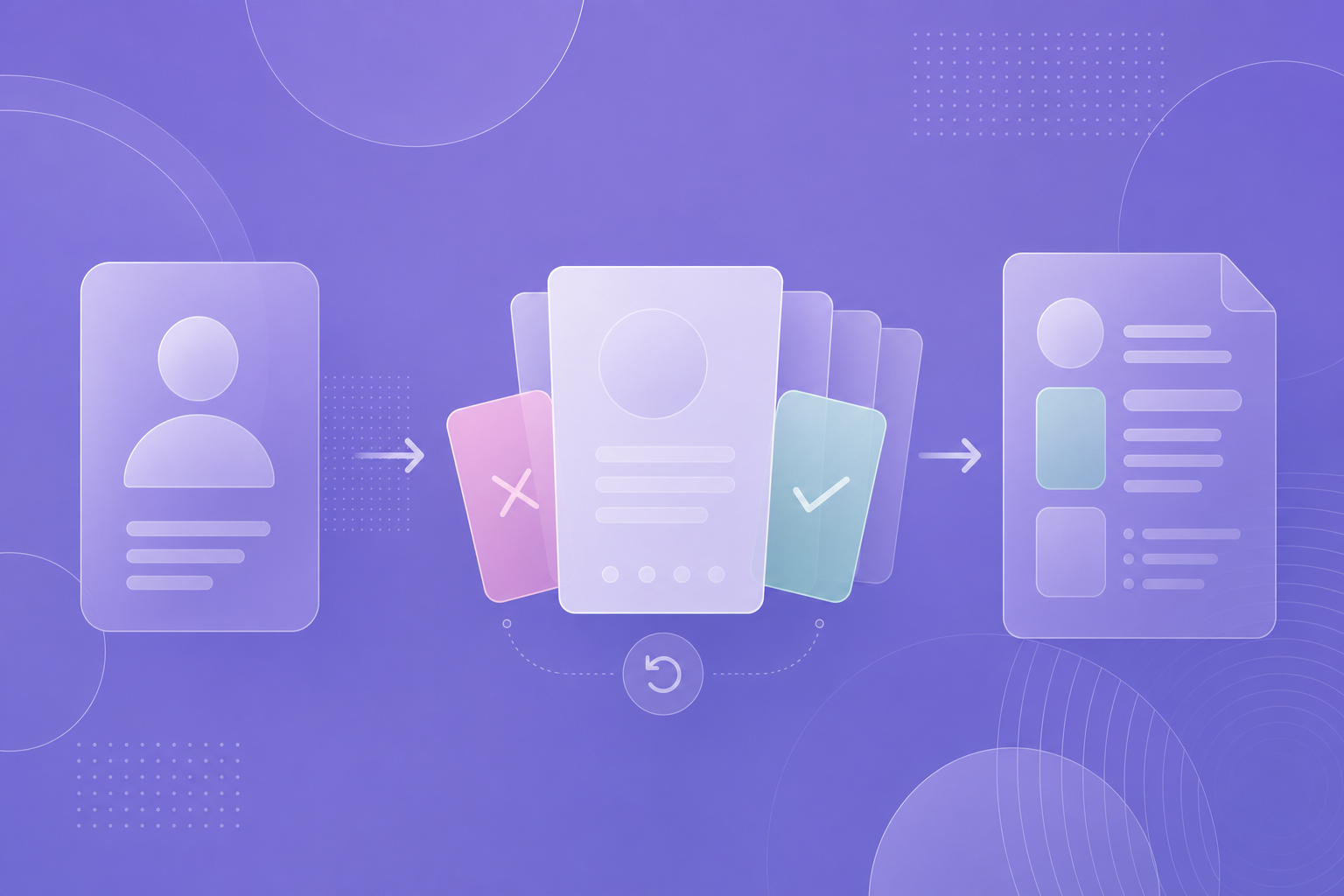
Finder brings a Tinder-style experience to your job search: browse job cards, swipe right on roles you like, and skip the ones you don’t. When a vacancy catches your eye, open the details and create a CV tailored to that job.
Less tab juggling. More “this could be the one.”
How does a Tinder-style job search work?
Think of Finder as a deck of career possibilities.
Each job card gives you the essentials: job context, a short summary, requirements, and a signal badge. You get enough information to decide whether a role deserves a closer look without opening every listing.
The deck puts Strong signal vacancies first, followed by Worth a look roles. Within each group, the newest jobs appear first.
That gives your search a starting point. You still choose what matters: a role that builds on your experience, a different direction, or an opportunity you hadn’t considered.
The goal is to make finding your ideal job feel less like sorting an inbox—and more like discovering possibilities.
Set up your profile before you start swiping
Before using Finder’s interactive job deck, sign in, complete your active profile, and save your search filters.
Your master Profile provides the foundation for your CV and the Job Tailoring workflow. Keeping it current means that when you find a promising vacancy, you’re ready to take the next step. If you want the handoff into a tailored CV afterward, the logic is the same one used in From Profile to Tailored CV.
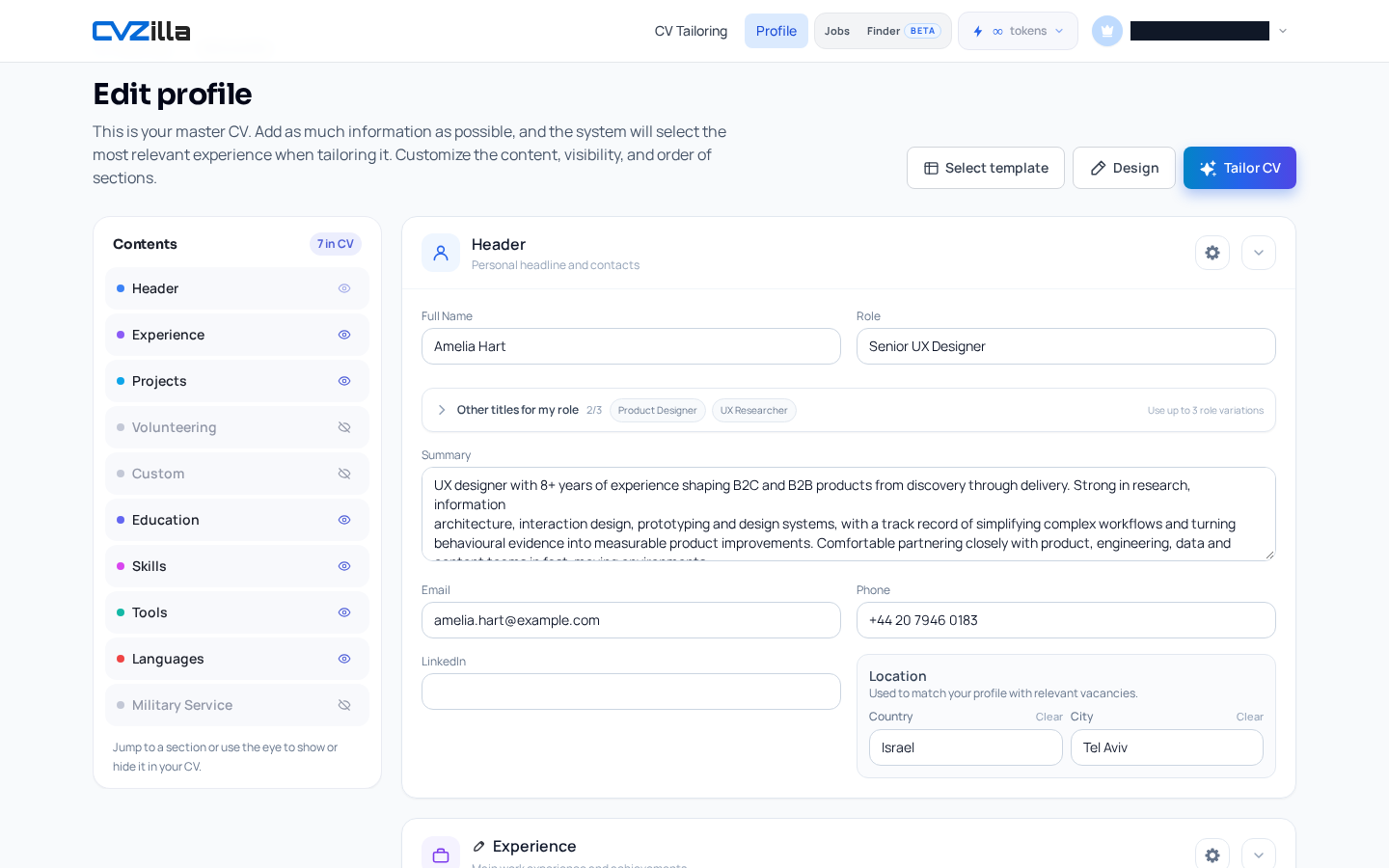
Describe the experience and skills you actually bring. A strong application starts with an accurate profile.
Swipe right to save jobs. Swipe left to keep looking.
Good job search tools should make everyday decisions easier. Finder keeps the controls simple:
-
Interested? Swipe right, tap the heart, or press the right arrow to save the vacancy to Liked positions.
-
Not for you? Swipe left, tap reject, or press the left arrow to mark it as read and move on.
-
Changed your mind? Use Undo to reverse your last decision and bring the card back.
A right swipe opens a match dialog with options for your next step. Here, a “match” means you’ve saved a role you like; it doesn’t mean the employer has selected you.
Build a shortlist you actually want to revisit. You don’t need to keep a job around just because the title sounds impressive.
Found a role you like? Create a tailored CV.
Saving a vacancy is useful. Turning it into a focused application is where Finder connects the dots.
Open a job card or use the match dialog to choose:
-
Create a CV for this job
-
Go to the job posting
Review the full vacancy, check the requirements, and decide whether it fits what you’re looking for. If it does, move straight into Job Tailoring.
The job description becomes your brief: which relevant skills should stand out? Which experience deserves more attention? What will help an employer understand why you’re applying?
A tailored CV should make that connection clear while staying true to your background.
With Finder, you can move from discovering a role to preparing a job-specific CV without restarting your search.
See when new jobs are ready to explore
Your job search doesn’t have to become a daily marathon.
Finder’s new-jobs indicator gives you a reason to check back: look for the notification dot on mobile or the New label in the desktop menu.
Open the deck, review fresh opportunities, and save the ones worth your attention. Small, focused sessions can keep your shortlist moving without letting the search take over your day.
Your next career move starts with a swipe
Finding the right job takes judgment. Finder gives you a simpler way to use it.
Keep your profile current. Browse ranked vacancies. Save the roles that interest you. Then turn your favorites into tailored applications.
You already know how to swipe. Put it to work.