A CV can look fine while you are editing it and still feel slightly off in the final version.
That is why a CV preview before export belongs at the very end of the process, not somewhere in the middle.
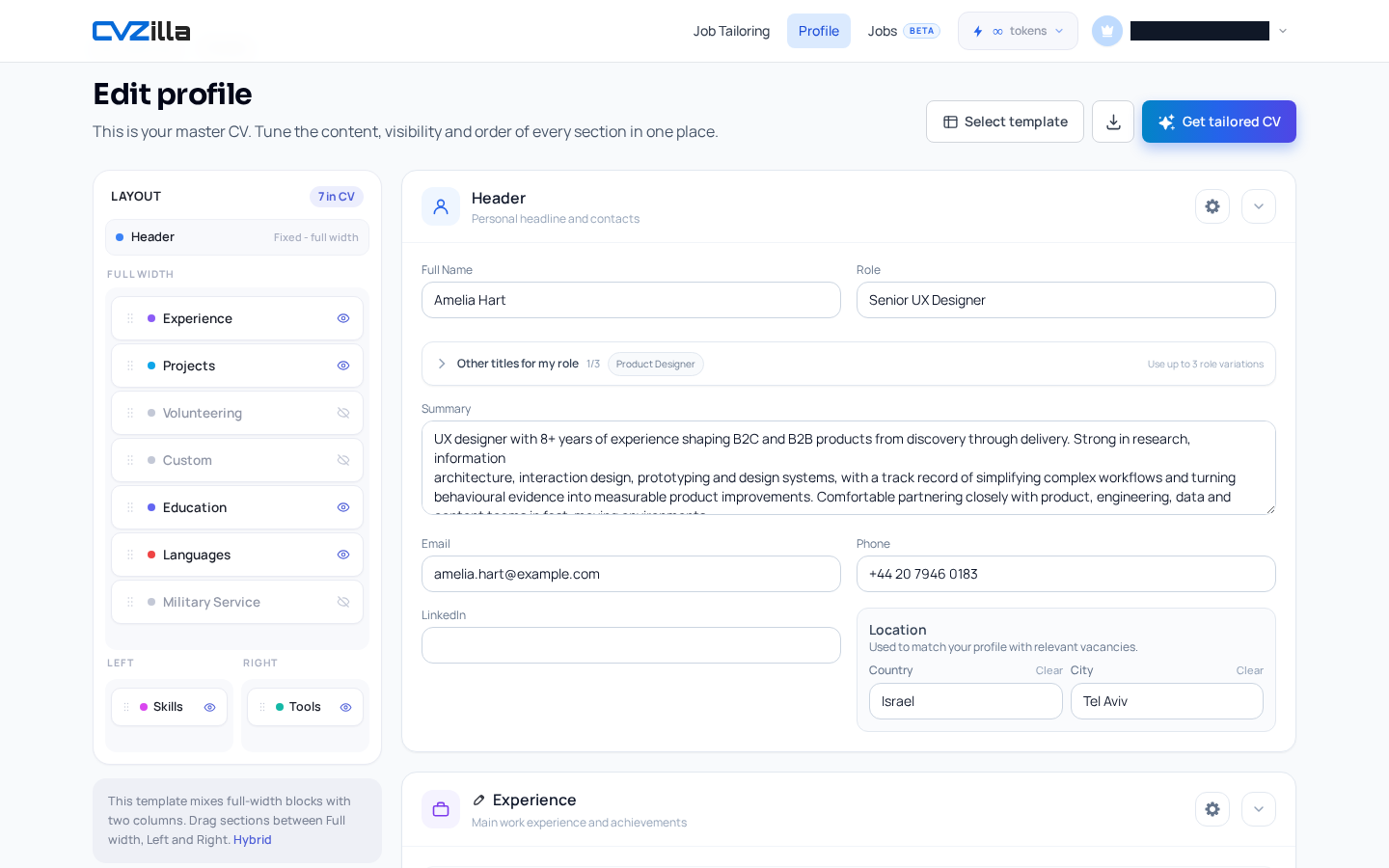
Profile is the reusable master CV area, so it is the natural place to do one last visual check before you download anything.
The point is not to chase perfection. It is to catch the kinds of layout problems that are easy to miss in an editor and obvious on the page.
If the final view feels cramped, unbalanced, or harder to scan than you expected, it is better to notice that before a recruiter does.
Preview gives you a calm pause between editing and export, which is exactly where a final sanity check should live.
Why previewing before export is the last chance to catch layout issues
Profile is the master CV area, which makes it the best place to review your base CV before you tailor or download it. That matters because the final export is the version that leaves the product and reaches a recruiter. If something looks awkward there, it is no longer just your working draft.
A preview is a manual visual check. It helps you notice problems that feel small in the editor but become obvious on the page. You are not waiting for the system to warn you. You are looking at the document the way someone else will see it.
That distinction matters. The supplied product behavior supports previewing the rendered CV, but it does not promise automatic layout warnings or perfect PDF parity. So treat preview as your last sanity check, not as a guarantee.
This is also why preview belongs after your last round of structural edits. If you have changed section order, switched a template, or adjusted the style, the preview is the place to confirm the page still makes sense as a complete document.
A good mental model is simple: edit in Profile, preview the result, then export only when the page feels ready to be sent. That keeps the final step intentional instead of rushed.
If you want to open the workspace directly, start with Profile.
What a CV preview can reveal before a recruiter sees it
A rendered preview helps you judge the overall balance of the page. You can see whether the CV still feels clean after recent edits, or whether the spacing now looks cramped. That is hard to judge from form fields alone.
It also shows how layout and style choices actually land together. In Profile, layout or template changes update the preview immediately, so you can compare versions without guessing. This matters when you are tuning a CV for readability, not just filling space.
Section placement is another thing worth checking. The layout tools show actual template zones, and supported templates let you move sections between valid zones. Preview is where you confirm that those moves still produce a sensible reading order.
Font and accent color matter here too. A style that looks polished in isolation can become harder to scan once the full CV is assembled. For a deeper pass on those choices, see Make your CV easier to scan with font and color choices.
When you inspect the rendered page, focus on clarity. Ask whether headings stand out, whether blocks feel evenly spaced, and whether the most important information is easy to spot in a quick glance.
That is the real value of preview. It lets you judge the CV as a recruiter would receive it: one page, one reading path, one first impression.
For broader visual clarity principles, the W3C contrast guidance is not the point here. The point is simpler: preview helps you check whether the final page is readable enough to do its job.
If the rendered CV feels crowded, the problem is usually not the content alone. It is often the interaction between section placement, spacing, font choice, and the chosen template.
How the Profile preview flow supports a final sanity check
The full-screen preview in Profile gives you the rendered CV with Back, Layout, Template, Download, and zoom controls. That is enough to inspect the page without leaving the workflow.
The preview is not static. Layout and template changes update it immediately, so any adjustments you make are visible right away. That makes preview a practical checkpoint rather than a separate destination.
Profile also uses automatic saving instead of a page-level Save button. Text saves on field exit, while structural changes save immediately. That means you are not carrying a hidden draft around while you work.
This matters when you are checking the final version. Because edits save automatically, you can move into preview without wondering whether the latest change was captured. The workflow stays simple, and the risk of forgetting to save is removed.
Download then adds one more safeguard. If you export with pending edits, Download saves them first before generating the PDF. So the file you export is based on the latest changes in Profile.
Use zoom when you need a closer look at spacing or alignment. The preview opens fitted to the window, and manual zoom stays in place while you review the page. That makes it easier to inspect details without losing your place.
The Back control returns you to the main Profile view. That keeps the loop tight: adjust, preview, inspect, and return if needed. You do not need to leave the master CV area to finish the check.
What to review in the rendered CV before downloading
Start with section order. Ask whether the order still makes sense after your last edits, especially if you moved anything between zones. A section can be correct in the editor and still feel out of place when rendered.
Next, check the spacing around headings, body text, and section breaks. The page should feel deliberate, not crowded. White space is part of the layout, and it should help the CV breathe rather than create gaps that feel accidental.
Then review font and accent color. They should support readability and scanability, not pull attention away from the content. If a style choice makes the page harder to scan, it is doing the wrong job.
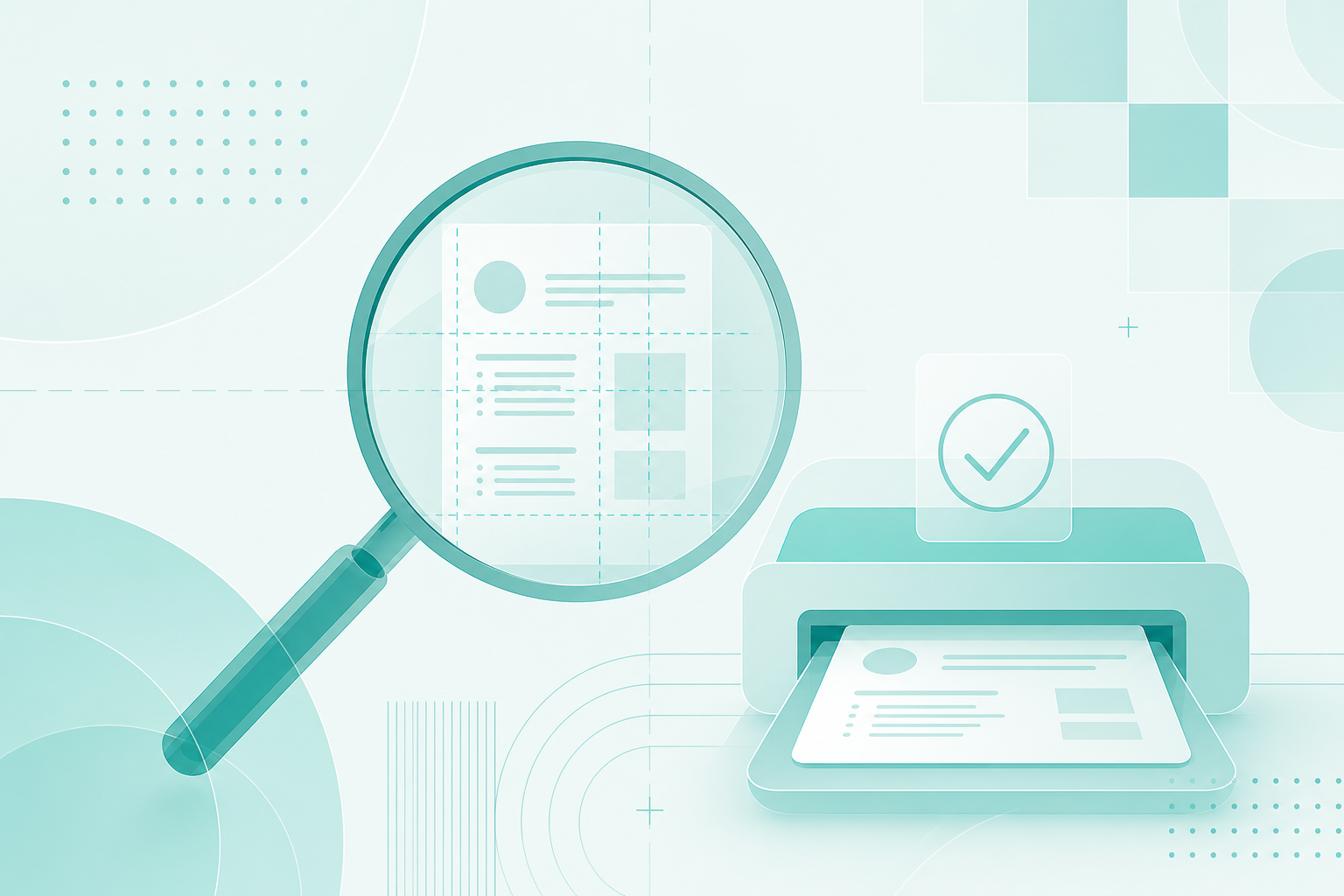
Use zoom to inspect the rendered page closely. That is the easiest way to catch awkward spacing, an unbalanced top section, or styling that looks too tight on the page. Small issues become easier to see when the view is closer.
If something feels off, go back to Layout or Template first, then preview again. That loop is the point. It is faster than exporting, discovering a problem later, and returning to fix it.
You do not need a huge checklist here. A short, repeatable review is enough: structure, style, and readability. If those three things look right in preview, you are in good shape to download.
It can help to scan the page in the same order a recruiter will likely read it. Look at the top of the CV first, then move downward by section. That habit makes visible problems easier to catch than random spot-checking.
If you want a broader reminder about presentation choices, the related article on font and color is the right companion. But the preview itself should stay focused on one job: show you the final page before you export it.
Why a quick preview habit saves avoidable rework later
A fast preview habit helps you catch presentation issues while they are still easy to fix. That is better than discovering them after you have already shared the file. Once a recruiter has the CV, the cost of a layout mistake is much higher.
Because Profile saves automatically and Download pulls pending edits first, previewing becomes a lightweight final checkpoint rather than an extra chore. You are not adding a new workflow. You are making the existing one safer.
That is the real value of a CV preview before export. It gives you one calm moment to confirm the page looks right, with the right sections, spacing, and style. The check is short, but the payoff is real.
This habit also reduces second-guessing. If you preview and the page looks balanced, you can export with more confidence. If it does not, you know exactly where to go back and fix it.
The result is less avoidable rework. You spend less time exporting again, and less time wondering whether a small layout issue slipped through. That is a good trade for a few seconds of attention.
When you are ready, go back to Profile and review your own CV before you export it.
If your preview reveals a problem, do not overcomplicate the fix. Adjust the layout or template, check the page again, and only then download. The habit stays simple because the workflow stays local to Profile.
Previewing before export is the simplest way to protect the final version of your CV.
Use Profile as the last visual check, scan the rendered page, adjust anything that looks off, and download only when the layout feels ready.
That small habit keeps avoidable problems out of the recruiter’s hands and helps your CV leave the product looking deliberate.